Tatship Design Tool
Professional Tattoo Design Tool
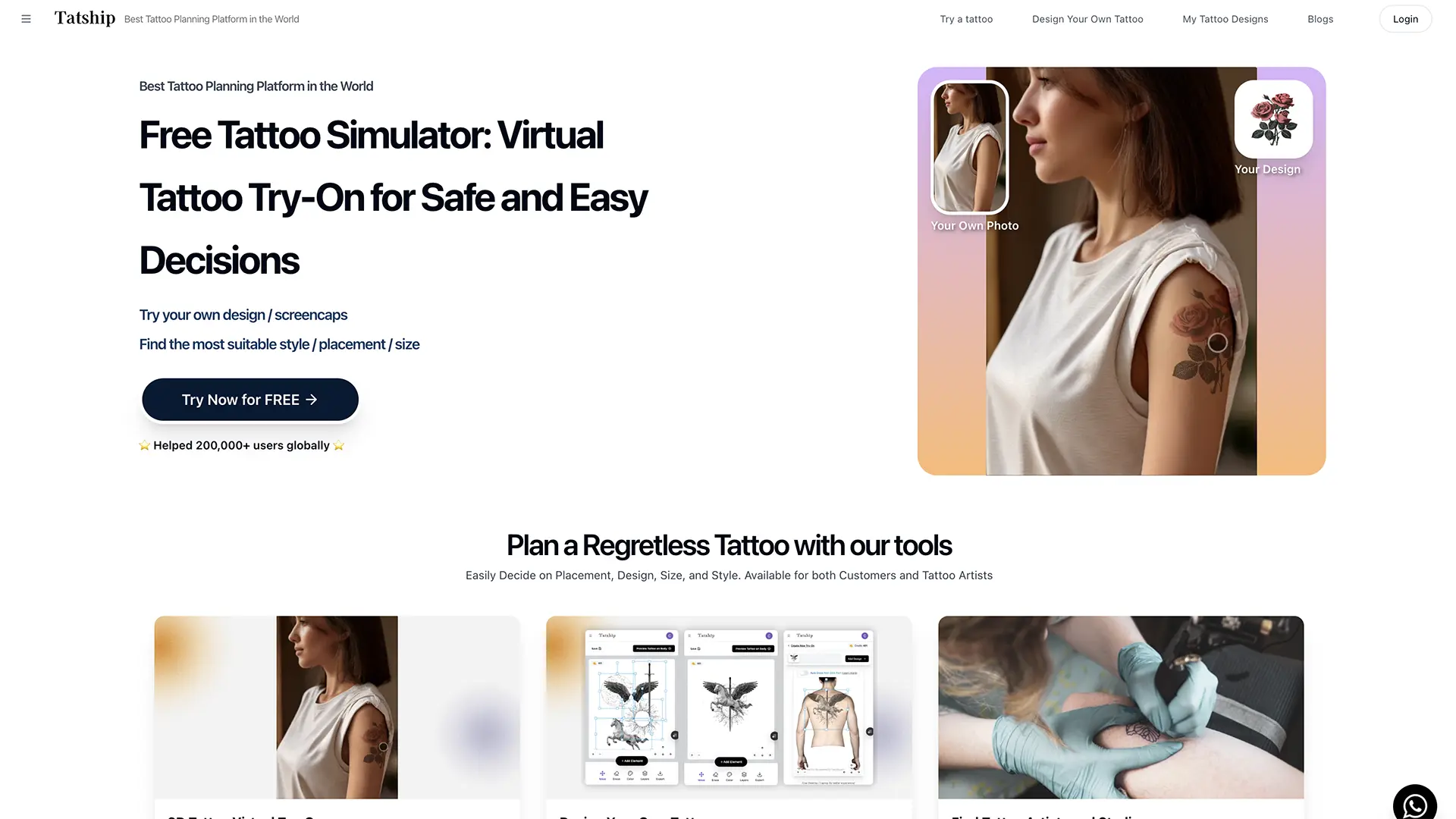
Why Choose Tatship Design Tool?
Professional Tattoo Design Tool
Professional Design Tools
Advanced drawing and design tools specifically optimized for tattoo artwork creation.
Tattoo-Specific Features
Features designed specifically for tattoo design including stencil creation and skin tone simulation.
Layer Management
Professional layer system for complex design work and easy editing.
Custom Brushes
Create and use custom brushes for authentic tattoo art styles and techniques.
Advanced Editing
Comprehensive editing tools with unlimited undo/redo and precise control.
Export Options
Export designs in various formats including stencil-ready files for tattoo application.
How it works
Get started with Tatship Design Tool in three simple steps
Create New Design
Start a new design project with tattoo-optimized canvas settings and tools.
Design Your Artwork
Use professional tools to create your tattoo design with precision and creativity.
Export & Print
Export your finished design in the format needed for tattoo application.
Frequently asked questions
What makes Tatship different from other design tools?
Tatship is specifically designed for tattoo artwork with features like stencil creation, skin tone simulation, and tattoo-optimized tools.
Can I create stencils for tattooing?
Yes, Tatship includes tools for creating professional stencils suitable for tattoo application.
What file formats can I export?
You can export designs in various formats including stencil-ready files, high-resolution images, and print-ready formats.
Is it suitable for professional tattoo artists?
Yes, Tatship is designed for professional use with advanced features and precise control.
Can I use custom brushes?
Yes, you can create and use custom brushes to achieve authentic tattoo art styles.
Does it support layer work?
Yes, Tatship includes a professional layer system for complex design work and easy editing.