Procreate
iPad Tattoo Design App
Why Choose Procreate?
iPad Tattoo Design App
iPad Optimized
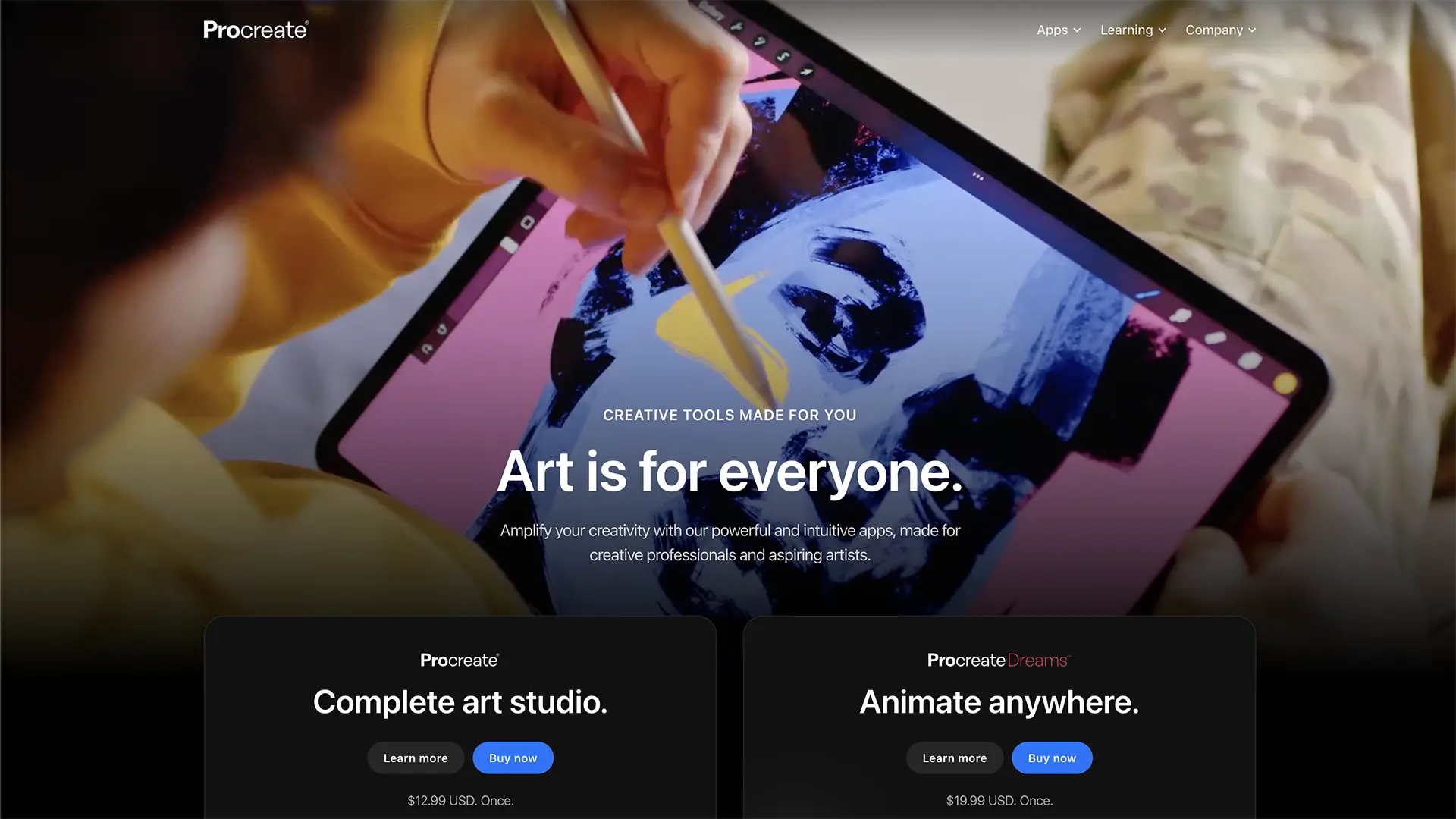
Designed specifically for iPad with Apple Pencil support for natural drawing and design experience.
Professional Brushes
Hundreds of customizable brushes including specialized tattoo brushes for realistic artwork.
Time-lapse Recording
Record your design process to share with clients or create educational content.
Advanced Layering
Use multiple layers to organize your design elements and create complex tattoo compositions.
QuickShape & QuickLine
Create perfect shapes and lines automatically for precise tattoo design work.
Cloud Sync
Sync your designs across devices and backup your work automatically to iCloud.
How it works
Get started with Procreate in three simple steps
Download Procreate
Purchase and download Procreate from the App Store for your iPad.
Set Up Your Canvas
Create a new canvas with appropriate dimensions and DPI for tattoo design work.
Start Designing
Use the intuitive interface and professional brushes to create your tattoo artwork.
Frequently asked questions
Is Procreate good for tattoo design?
Absolutely! Procreate is excellent for tattoo design with its professional brushes, layering system, and intuitive interface.
Do I need an iPad?
Yes, Procreate is designed specifically for iPad and requires an iPad with Apple Pencil support for the best experience.
Are there tattoo-specific brushes?
Yes, there are many tattoo brush sets available for Procreate that simulate different needle types and techniques.
Can I export for tattoo stencils?
Yes, you can export your designs in high-resolution formats suitable for tattoo stencils and printing.
Is it a one-time purchase?
Yes, Procreate is a one-time purchase with no subscription fees or in-app purchases required.
Can I use it offline?
Yes, Procreate works completely offline once downloaded, making it perfect for design work anywhere.