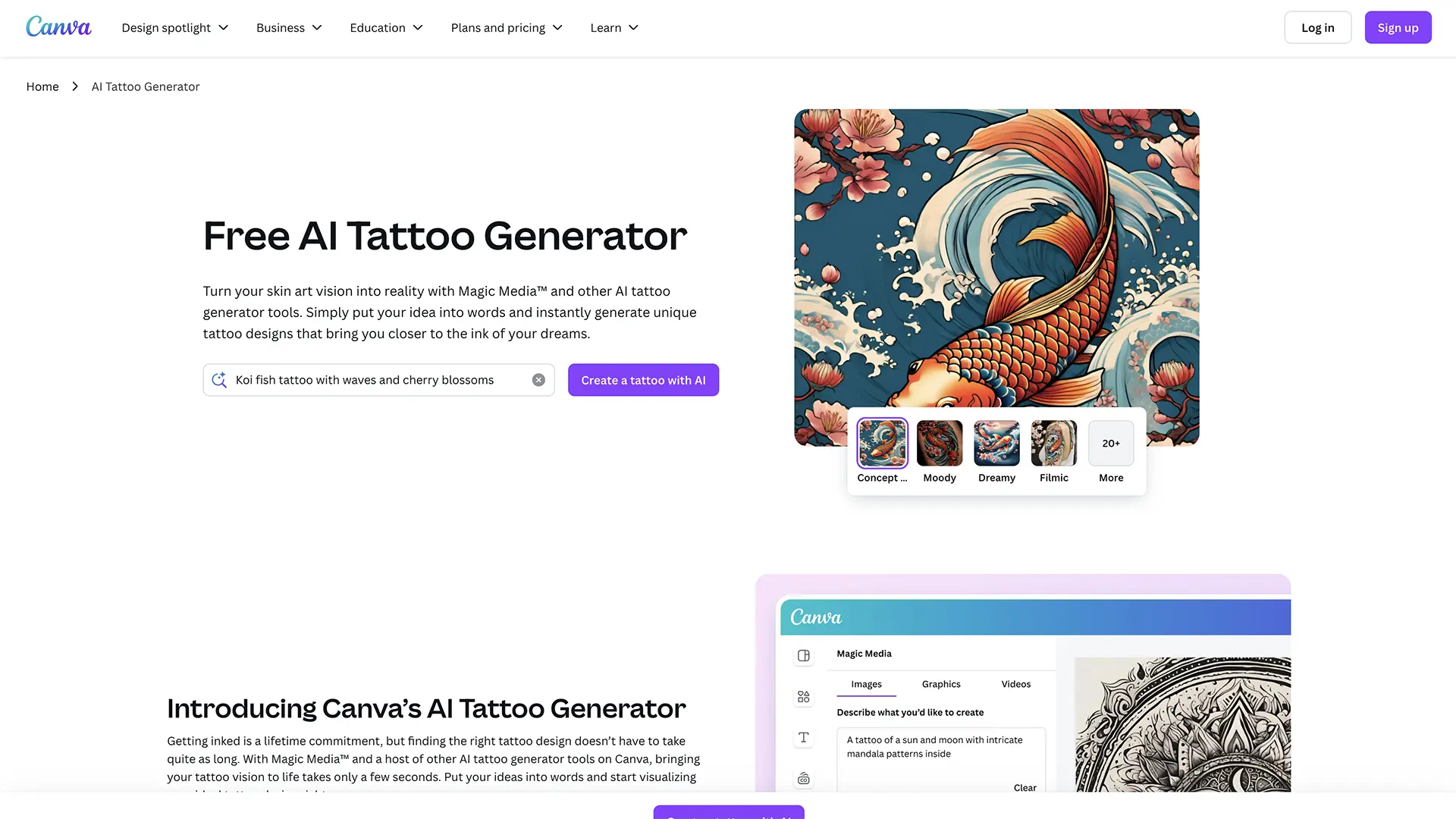
Canva's AI Tattoo Generator
AI-Powered Design Platform
Why Choose Canva's AI Tattoo Generator?
AI-Powered Design Platform
AI Design Assistant
Canva's AI helps you create professional tattoo designs with intelligent suggestions and automation.
Thousands of Templates
Access a vast library of tattoo design templates and customizable elements.
Advanced Customization
Customize colors, fonts, layouts, and elements to create your perfect design.
Drag & Drop Editor
User-friendly drag and drop interface that requires no design experience.
Stock Graphics
Access millions of stock images, icons, and graphics for your designs.
Easy Sharing
Share your designs directly to social media or download in various formats.
How it works
Get started with Canva's AI Tattoo Generator in three simple steps
Choose Template
Browse Canva's extensive library of tattoo design templates and AI suggestions.
Customize Design
Use the drag and drop editor to customize colors, text, and elements.
Export & Share
Download your finished design or share it directly to social media platforms.
Frequently asked questions
Is Canva's AI tattoo generator free?
Yes! Canva offers a generous free tier with access to AI tools and thousands of templates.
How does the AI design assistant work?
Canva's AI analyzes your requirements and suggests design elements, layouts, and templates to help create your tattoo design.
Can I use my own images?
Yes, you can upload and use your own photos and graphics in your designs alongside Canva's stock library.
What file formats can I download?
You can download designs as PNG, JPG, PDF, and other common formats suitable for tattoo application.
Do I need design experience?
No! Canva's intuitive interface and AI assistance make it easy for anyone to create professional designs.
Can I collaborate with others?
Yes, Canva offers team collaboration features for working on designs with others.