Trello
Visual Project Management
Why Choose Trello?
Visual Project Management
Visual Boards
Organize projects with intuitive boards, lists, and cards for clear visual project management.
Client Project Tracking
Track individual client projects from consultation to completion with detailed cards and checklists.
Appointment Management
Manage appointments and scheduling with due dates, reminders, and progress tracking.
Team Collaboration
Collaborate with team members, share updates, and communicate through comments and attachments.
Mobile Access
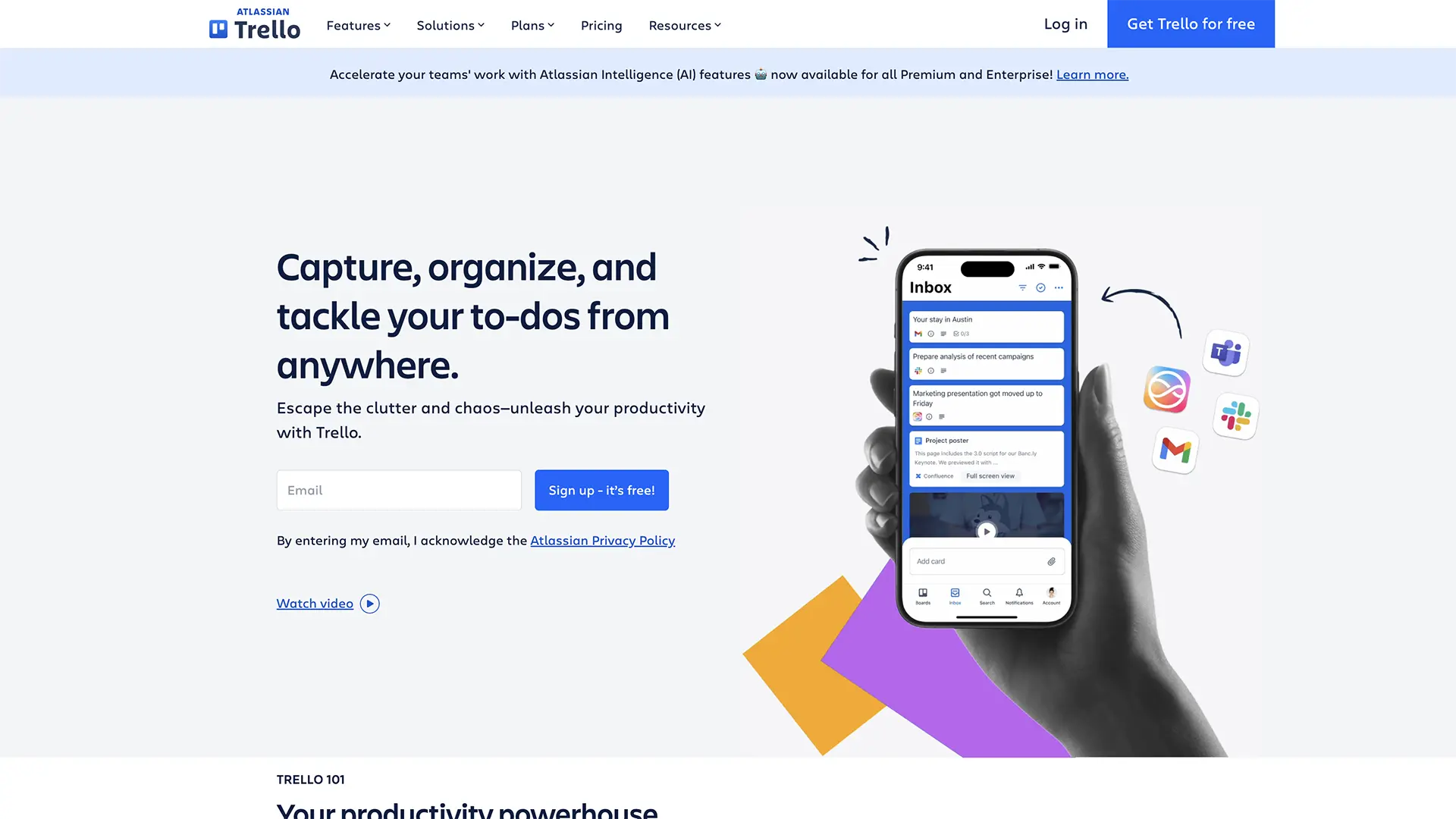
Access your boards from anywhere with the Trello mobile app for iOS and Android.
Integrations
Connect with other tools like Google Calendar, Slack, and Dropbox for seamless workflow.
How it works
Get started with Trello in three simple steps
Create Your Board
Set up a board for your tattoo studio with lists for different project stages.
Add Client Cards
Create cards for each client project with details, checklists, and due dates.
Track Progress
Move cards through your workflow as projects progress from consultation to completion.
Frequently asked questions
Is Trello free to use?
Yes! Trello offers a generous free plan with unlimited boards, lists, and cards for personal and small team use.
How can I use it for my tattoo studio?
Use Trello to track client projects, manage appointments, organize design work, and collaborate with team members.
Can I track multiple clients?
Yes! Create separate cards for each client project and organize them by status or priority.
Is it mobile-friendly?
Absolutely! Trello has excellent mobile apps for iOS and Android with full functionality.
Can I share boards with clients?
Yes, you can share boards with clients to keep them updated on their project progress.
Are there templates for tattoo studios?
While there aren't specific tattoo studio templates, you can easily customize boards for your workflow.