GnuCash
Free Open-Source Accounting
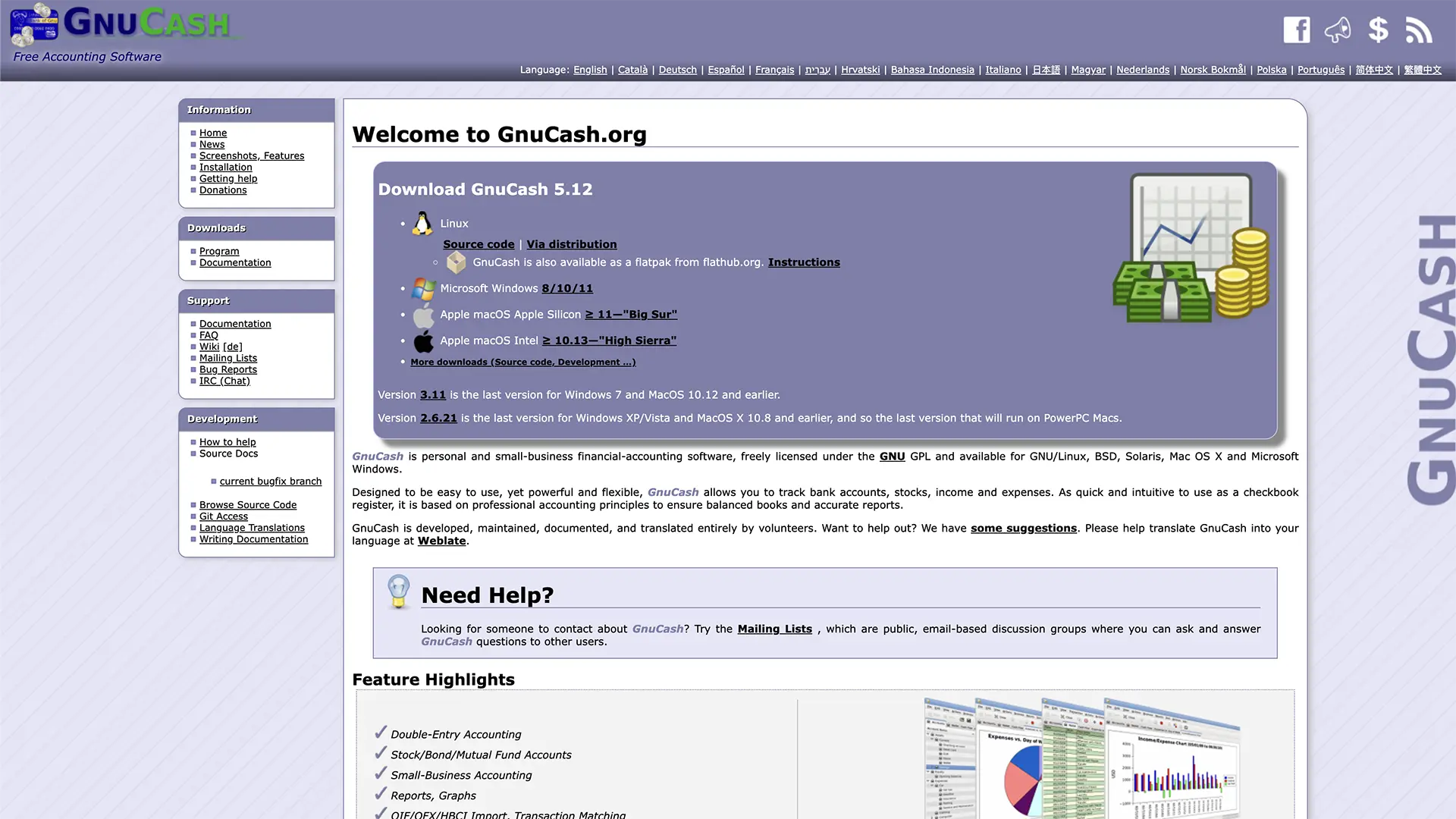
Why Choose GnuCash?
Free Open-Source Accounting
Double-Entry Bookkeeping
Professional double-entry bookkeeping system ensuring accurate financial records and balanced accounts.
Multi-Currency Support
Handle multiple currencies for international clients and track exchange rates automatically.
Financial Reports
Generate comprehensive financial reports including balance sheets, income statements, and cash flow analysis.
Scheduled Transactions
Set up recurring transactions for regular expenses and income to automate your bookkeeping.
Data Import/Export
Import data from banks and export reports in various formats including QIF, OFX, and CSV.
Data Security
Keep your financial data secure with local storage and optional encryption features.
How it works
Get started with GnuCash in three simple steps
Download GnuCash
Download the free GnuCash software for your operating system (Windows, Mac, or Linux).
Set Up Accounts
Create your chart of accounts and configure your business structure for proper bookkeeping.
Start Recording
Begin recording transactions using the double-entry system for accurate financial management.
Frequently asked questions
Is GnuCash really free?
Yes! GnuCash is completely free and open-source software with no licensing fees or hidden costs.
What is double-entry bookkeeping?
Double-entry bookkeeping records each transaction in two accounts, ensuring mathematical accuracy and professional accounting standards.
Is it suitable for beginners?
GnuCash has a learning curve, but it's excellent for learning proper accounting principles and managing business finances.
Can I import from other software?
Yes, GnuCash can import data from many accounting software packages and bank files in various formats.
Is my data secure?
Yes, your data is stored locally on your computer with optional encryption for added security.
Can I use it for my tattoo studio?
Absolutely! GnuCash is perfect for small businesses like tattoo studios that need professional accounting without high costs.