Software & Comparisons
Best Tattoo Shop Software in 2026: What to Buy, What to Skip
Most 'best tattoo shop software' lists are either self-promotional or recommend Square and Vagaro, which weren't built for tattoo studios. This guide names the real options, explains what each one does well, and tells you exactly where generic tools fall apart.

Most “best tattoo shop software” roundups fall into one of two traps. Either they list Square, Acuity, and Vagaro (tools designed for hair salons and yoga studios), or they were written by one of the vendors and conveniently rank themselves first. Neither is useful when you’re actually deciding what to put on your front desk.
This guide names the real options, explains what each one does or doesn’t do, and is honest about where purpose-built tattoo software wins and where it doesn’t.
The bottom line up front: generic salon software fails tattoo studios in three specific ways. Understanding those failure modes tells you more about which software to pick than any feature checklist.
For a broader look at what tattoo studio software does and how it fits into daily operations, tattoo studio management software is a good starting point. The Software Playbook covers implementation, training, and long-term optimization in full.
Why Generic Salon Software Fails Tattoo Shops
Square Appointments, Vagaro, Acuity Scheduling, and Fresha are capable booking tools. They just weren’t built for the specific operational reality of a tattoo studio. Three places where this shows up:
Consent form retrieval under inspection. Health inspections don’t give you advance notice. When an inspector asks to see the signed consent form for a specific client who came in six weeks ago, you need to pull it up by name and date within a few minutes. Generic booking tools store forms in email inboxes, shared drives, or separately from the booking record. Studios running on those systems often spend 20 minutes trying to produce a form that should take 20 seconds to find. That’s a compliance issue and a stressful afternoon.
Commission splits across multiple artists. A studio with four artists, each on a different commission rate (say 50%, 55%, 60%, and a guest artist at 70%), needs software that calculates commission, tracks taxes and tips separately, and produces a payout report per artist per pay period. Generic salon software treats staff as wage employees. Commission tracking requires either a workaround or a second spreadsheet. Studios that grow past two or three artists consistently run into this wall.
Multi-session client continuity. A full Japanese sleeve takes 4 to 8 sessions over 6 to 18 months. When a client comes in for session 5, the artist needs to know what was finished in sessions 1 through 4, what healed well, whether there were any skin reactions, and where they left off on the design. Generic booking software records appointments as isolated events. There’s no concept of a project, no shared session notes across artists if different people covered a session, and no visual history tied to the client record.
If your studio is low-volume, all-cash, single-artist, and no complex workflows, a generic tool works fine. If you’re operating with multiple artists, split commissions, health inspection accountability, or any multi-session clients, you need something purpose-built.
The Purpose-Built Options
Pricing starts at $29/month for solo artists and goes up to $299/month for teams. Annual plans come with a 30% discount, with solo plans priced at $239/year. The platform is accessible on web, iOS, and Android, making it easy to manage operations from anywhere.
Tattoo Studio Pro is the most feature-complete of the tattoo-specific platforms. Every plan includes all features (scheduling, digital consent forms, commission splits, client profiles, reports, POS, SMS reminders). Pricing scales only by staff count, not by feature tier. Plans start at $29/month for a solo artist (1 staff) and run up to $299/month for 25 staff, with a 30% discount on annual plans. Consent forms are searchable and tied to client records. The 30-day free trial includes every feature, and you can cancel anytime before it ends.
Porter is a newer entrant with a focus on booking flow and marketplace discovery. It works well for studios that want client-facing booking to be a primary feature. Commission tracking and consent form storage are more limited compared to fully integrated tools.
Keep the Fees takes a different approach: no monthly subscription, with revenue built into payment processing instead. If your monthly software cost is a bigger concern than per-transaction percentage, it’s worth evaluating. The tradeoff is fewer operational features (reporting, consent management, and client profiles are thinner).
Linework focuses on scheduling and appointment management for independent artists and small studios. The booking interface is clean. Consent forms and commission tracking are add-ons rather than core features.
DaySmart Body Art is the established player in the broader body art space (tattoo, piercing, and spa). It has deep feature coverage, but the interface and pricing model are older-generation SaaS, with per-user pricing that scales more steeply for larger teams.
| Feature | Tattoo Studio Pro | Porter | Keep the Fees | Linework | DaySmart Body Art |
|---|---|---|---|---|---|
| Pricing model | Per staff count | Subscription | Processing fees | Subscription | Per user |
| All features on every plan | Yes | No | Partial | No | No |
| Digital consent forms | Built-in, searchable | Limited | Add-on | Add-on | Yes |
| Commission splits | Yes | Limited | Limited | Limited | Yes |
| Multi-session client continuity | Yes | Partial | No | Partial | Yes |
| SMS reminders included | Yes, unlimited | Varies | Varies | Varies | Yes |
| Free trial | 30 days, cancel anytime | Varies | N/A | Varies | Demo only |
Check current pricing directly with each vendor. Software pricing changes, and a table in a blog post is always less reliable than the vendor’s pricing page.
What Features Actually Matter
The feature marketing gets noisy. Here’s what actually creates friction in day-to-day studio operations:
Deposits at booking. Every studio that requires a deposit before confirming an appointment reports lower no-show rates. The mechanism matters: the deposit should be collected at the time the appointment is created, not sent as a separate payment request later. Separated payment links get ignored or forgotten.
Searchable, client-linked consent forms. Not just “digital forms,” but forms that are stored in the client record, retrievable by name and date, and locked after signature so the document can’t be altered retroactively. Health inspectors understand and accept digital forms in every US state. What they’re checking is whether you can retrieve the right one quickly.
Artist-level commission reports. The report should show gross revenue, commission rate, commission amount, tips, taxes, and net payout per artist per period. If you’re running this calculation manually in a spreadsheet, you’re spending 2 to 4 hours per pay period on something software should handle in 30 seconds.
Session notes tied to client profiles. Notes from one session should be visible when the client comes back for the next one, even if a different artist handles it. This is especially important for allergies, sensitivities, and multi-session project continuity.
SMS reminders that actually send. Automated SMS reminders reduce no-shows. This is well-established. The detail that matters: are they unlimited, or do you hit an overage charge at a certain volume? Tattoo-specific platforms usually include unlimited SMS. Generic tools often meter it.
The guide to client management software for tattoo studios goes deeper on client record structure, intake forms, and how client history integrates with appointment workflows.
The True Cost of Ownership
The monthly subscription fee is only part of the cost. Here’s how to calculate what you’ll actually pay:
Monthly software: $29 to $299/month depending on staff size, on Tattoo Studio Pro’s current plans. Per-user tools can cost more at scale (a 5-artist studio at $29/user/month is $145/month before features).
Payment processing: Every platform either integrates with a processor or includes its own. Stripe’s standard rate (what Tattoo Studio Pro uses) is 2.7% + $0.05 per in-person transaction. Online payments run slightly higher. On $10,000/month in revenue, that’s roughly $270 in processing fees. Factor this into every comparison, especially if you’re evaluating a tool that bundles processing. A tattoo-specific tattoo shop POS folds processing, deposits, tips, and commission splits into one checkout instead of stitching them together from separate tools.
Hardware: A basic iPad setup with a stand and card reader runs $300 to $600. This is a one-time cost, but it matters when calculating first-year cost. Most tattoo-specific platforms work on existing tablets you already own.
SMS volume: Tattoo Studio Pro includes unlimited SMS on all plans at no extra charge. Some generic platforms charge per message or per 1,000 messages. At 100 appointments per month, SMS reminders can generate 200+ outbound texts. At $0.03 per text, that’s $6/month. Not enormous, but it adds up and creates operational uncertainty.
Switching costs: Set aside time, not money. Client data import takes an afternoon. Getting forms rebuilt the way you want them takes a weekend. Running both systems in parallel for a few weeks takes mental overhead. Budget for a slow transition period rather than a hard cutover.
The break-even analysis for tattoo studio management software walks through the math on how long it takes the time savings to cover the subscription cost for different studio sizes.
Tattoo Studio Pro in Detail
Since this guide is published by Tattoo Studio Pro, the full honest disclosure: we think our software is the strongest purpose-built option. Here’s what that’s based on.
Every plan includes every feature. A solo artist on the $29/month Solo plan gets the same consent forms, commission tracking, reports, SMS reminders, and client profiles as a 25-artist studio on the $299/month Legion plan. There’s no “upgrade to unlock forms” or “reports only on the Pro tier.”
Consent forms are searchable and client-linked. Forms are tied to the client record at the session level. When you search for a client and open their profile, every signed form appears with date and session reference. During a health inspection, pulling a specific form takes seconds.
Commission tracking is built in. Each artist has a commission rate set in their profile. Reports calculate gross revenue, commission, tips, taxes, and net payout per pay period without any manual calculation. Guest artists can be set to a different rate than staff artists.
Multi-session client continuity. Client profiles store session history across every visit, with notes, form history, and appointment records in one place. When a client comes in for their fourth sleeve session, the full project history is in front of you.
SMS reminders are unlimited. No per-text charges, no monthly message cap. Set automated reminders at whatever intervals work for your studio (common setup: 72 hours and 24 hours before the appointment).
30-day free trial, cancel anytime. You can run the system with real clients for a month before paying anything. The trial includes all features.
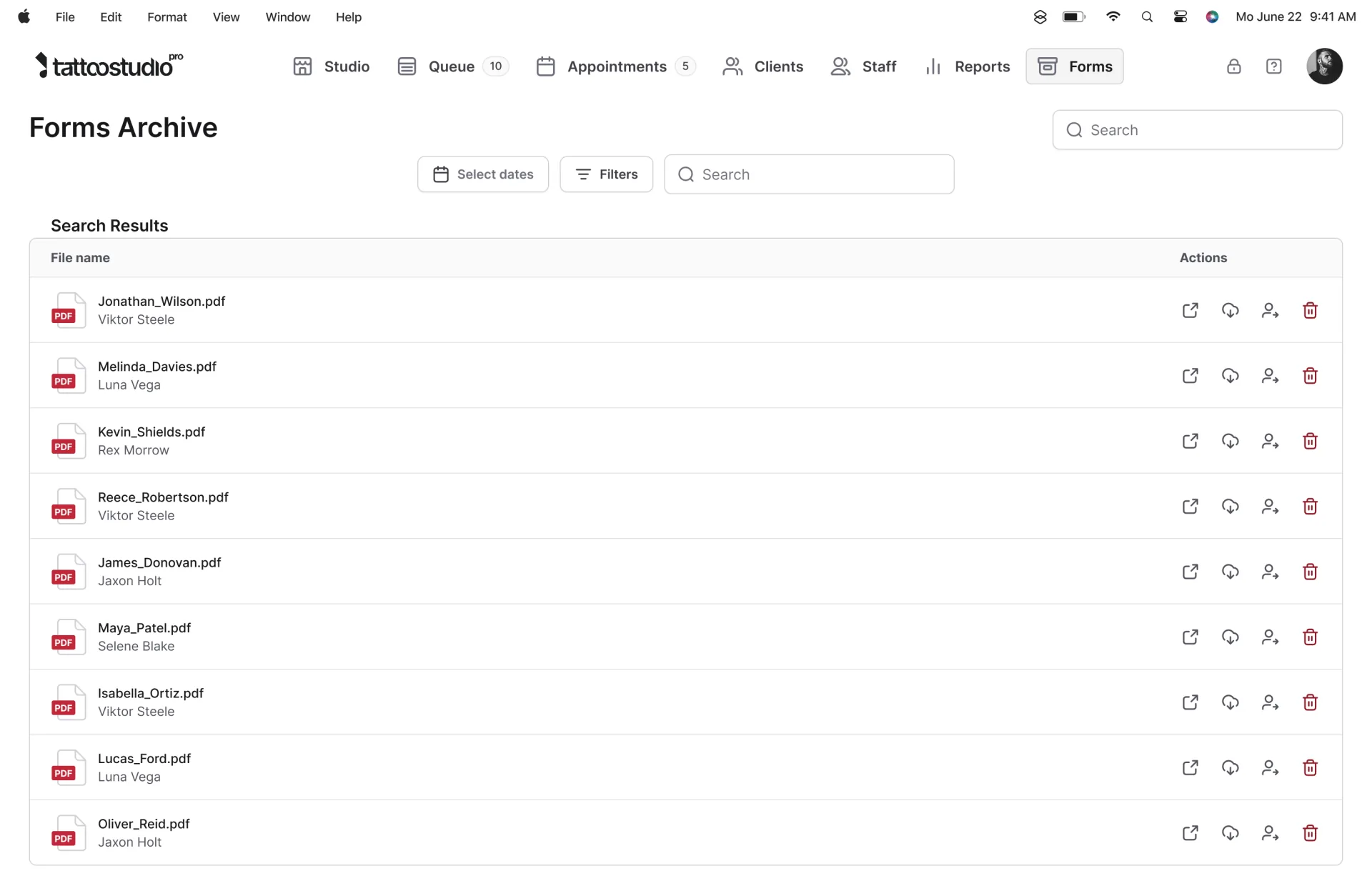
The overview below shows how these pieces fit together in a single workflow, from booking through checkout and reporting.
Where Tattoo Studio Pro is not the best choice: if your primary need is marketplace discovery (clients finding you through the software’s own client-facing platform), Porter focuses more on that. If you want zero monthly fee and are comfortable with a higher transaction percentage, Keep the Fees is built around that model.
For scheduling tool comparisons across the major platforms, scheduling tools for tattoo studios covers the booking-specific feature comparison in detail. For free tier options, the free tattoo booking platforms guide breaks down what you get at $0/month and where the limits are.
See Tattoo Studio Pro’s features and start the 30-day free trial. Cancel anytime.
FAQs
What features actually matter when picking tattoo shop software?
The core list is shorter than most product pages suggest. You need multi-artist scheduling that handles split commissions, a deposit-and-booking flow that reduces no-shows, digital consent forms that hold up in a health inspection, and client records that carry session history across visits. Anything missing from that list will create real friction within a month of switching. Anything beyond it is convenience.
Can I just use Square, Vagaro, or Fresha instead?
Yes, if your studio is essentially scheduling and a card reader. No, if you also handle consent forms, multi-session client continuity, artist commission splits, or health department documentation requirements. Generic salon software was built for haircuts, where there’s no compliance paperwork, no multi-week project, and no “this client reacted to red ink in session two.” Studios that make a generic tool work usually end up patching the gaps with a second or third tool.
How much does tattoo shop software cost?
Tattoo-specific platforms range from around $29/month for a solo artist to $150 to $300/month for a 10 to 25 artist studio. Generic salon software lands in a similar range but charges per artist, which scales more steeply as the team grows. Payment processing runs approximately 2.7 to 3% per transaction on top of the software fee, depending on the processor. SMS reminders are usually included with tattoo-specific tools and metered with generic tools.
Is it worth it for a solo artist?
Depends on your volume. If you’re doing 5 to 10 sessions a month and your booking is mostly Instagram DMs, you can manage with a calendar app and paper consent forms. At 15 or more sessions a month, the time spent on admin starts to exceed the cost of a $29/month subscription. The non-obvious win for solo artists isn’t time savings, it’s not losing client history when your phone dies or your inbox eats a thread. A client who comes back two years later and you have their full history (skin reactions, healed photos, consent form, design notes) is worth more than any single saved hour.
Can it handle multiple artists with different commission rates?
Purpose-built tattoo platforms can. Each artist gets their own calendar, their own commission rate or a separate rate for guest artists, and their own payout report. Generic salon software usually treats artists as identical employees, which means you end up tracking commissions in a spreadsheet on the side. If you have guest artists or apprentices on different rates, this is the single feature most likely to determine whether the software actually works for your shop.
Are digital consent forms legally valid for tattoo work?
In every US state, yes. Digital signatures have been federally recognized since the E-SIGN Act passed in 2000, and no state-level tattoo regulation overrides that. What matters during a health inspection isn’t the format of the form, it’s whether you can retrieve a signed, timestamped copy for a specific client on a specific date within a reasonable amount of time. A searchable digital record stored in a client profile is faster to produce than a filing cabinet of paper forms. Most inspectors care about retrieval speed and form completeness, not whether it’s digital or paper.
How long does switching from another system take?
For most studios, a working setup takes a weekend and full migration is done within two weeks. Client list import is the fast part. The slower parts are rebuilding your consent forms the way you want them, training staff who are resistant to change, and running the new system in parallel with the old one for a session or two until you trust it. Don’t switch during your busiest month. Budget for a 30-day overlap period, use the new system for new bookings, and let the old calendar finish out.
What’s the difference between tattoo shop software and general booking software?
At a surface level: both do scheduling. The difference shows up in the features that tattoo studios specifically need. Consent form retrieval tied to the client record. Commission split reports per artist. Session notes that carry across multiple visits of the same project. Deposit collection built into the booking flow rather than bolted on. Generic booking software offers scheduling because that’s its primary function. Tattoo-specific software was built around the operational reality of running a studio.