Software & Comparisons
Tattoo Technology: Digital Tools That Actually Work
You can improve efficiency and streamline operations by incorporating tattoo technology into your shop or body art business.
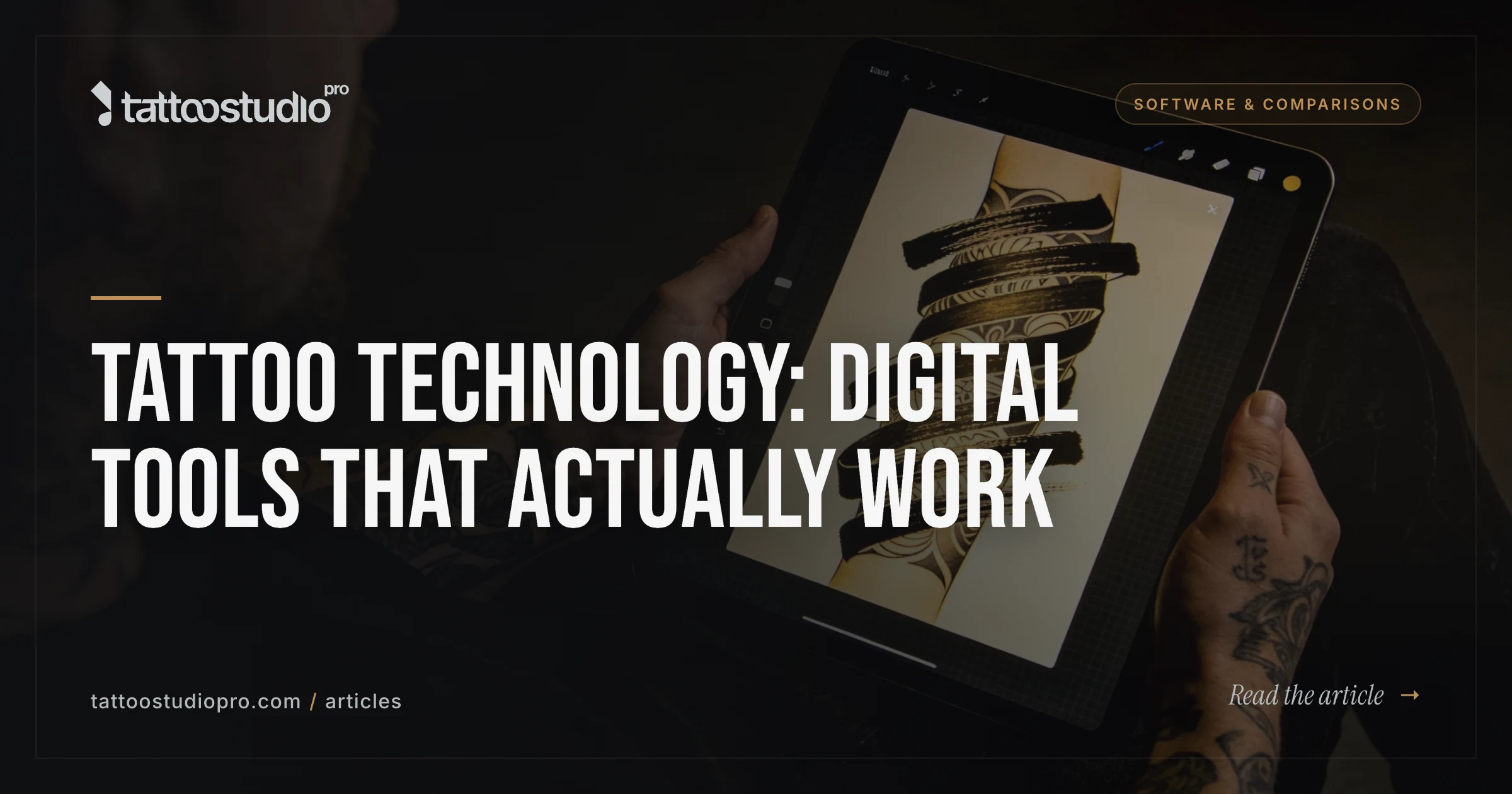
Tattoo Technology: Digital Tools That Actually Work
Your tattoo shop probably uses 3-5 different apps right now. One for scheduling. One for payments. One for design. One for social media. One for inventory. Each one costs money. Each one takes time to learn. Each one breaks the workflow.
Digital tools for tattoo studios are about replacing that mess with something simpler. Not hype. Just tools that work together and actually save you time.
We’ll walk through what tools exist, which ones matter, how to choose them, and how to implement them without burning out your team.
For detailed operational strategies, check out Operational Excellence.
The Shift to Digital: Why Tattoo Shops Need It Now
Tattoo shops run on manual workflows that cost you money and time.
No-shows: Automated appointment reminders reduce no-shows by 40 to 60 percent. Most shops lose $400-1,500/month to no-shows alone. SMS text reminders are the simplest way to cut that loss.
Data scattered: Client info in a notebook. Appointment data in your head. Design notes in email. Nobody knows the full picture.
Payment friction: Cash, Venmo, Square on your phone, maybe a tablet reader. Inconsistent. Slow. Error-prone.
Team coordination: No shared schedule. No way for artists to see who’s booked when. Everyone asking “who’s next?”
Inventory chaos: Ordering supplies when you run out. Overstocking when you’re nervous. No way to track what actually moves.
Digital tools solve these. Not because they’re trendy. Because they fix real problems.
Core Digital Tools for Tattoo Studios
Appointment Scheduling & Booking
Online scheduling cuts no-shows in half. Clients book themselves anytime. You stop managing a ringing phone. Your artists see a shared schedule.
What it does:
-
Clients book 24/7 without calling
-
SMS reminders day-before (cuts no-shows)
-
Staff sees shared calendar on tablets
-
Auto-prevent double-booking
-
Mobile-friendly for booking on Instagram or your website
Why it matters: You gain 7.5 hours per week of admin time back. No-show rate drops. Client experience improves.
Cost: Most solutions $29-150/month depending on studio size.
See our tattoo booking app guide for detailed setup and strategy.
Point-of-Sale (POS) Systems
A proper POS system tracks payments, deposits, splits, tips, and taxes in one place. No cash drawer guessing. No spreadsheets.
What it does:
-
Process cards securely (Stripe integration)
-
Track deposits vs. revenue
-
Print receipts
-
Run reports on sales by artist, service type, or time period
-
Works on tablets in the studio
Why it matters: You see real numbers on what’s selling and who’s booking. Tax time is simple. You stop guessing.
Cost: Usually bundled with scheduling ($29-150/month depending on plan).
Inventory Management Software
Track supplies in real time. Know when to reorder. See what’s actually moving. Stop overstocking bandages you don’t use.
What it does:
-
Log inventory by category (inks, needles, aftercare, etc.)
-
Set minimum thresholds (auto-alert when low)
-
Track usage over time
-
Know supplier lead times
-
Spot slow-moving stock
Why it matters: You save $200-400/month on wasted inventory. You’re never caught out of supplies during a busy day.
Cost: $50-200/month as a standalone tool (or included in all-in-one platforms).
Digital Forms & E-Signatures
Replace clipboards with forms clients fill on a tablet before their session. Auto-capture their consent. No lost waivers.
What it does:
-
Custom digital consent/aftercare forms
-
E-signature capture
-
Multi-language support
-
Auto-save to client record
-
HIPAA-compliant storage
Why it matters: Faster check-in. Less paperwork. Legal protection. Better client records for follow-ups.
Cost: $29-100/month as part of larger platform.
Learn more about digital forms for tattoo studios and how they simplify your workflow.
Social Media Management Tools
Stop logging into Instagram, TikTok, Facebook separately. Schedule posts. Track engagement. Analyze what works.
What it does:
-
Schedule posts across platforms
-
Track engagement metrics
-
Bulk-upload carousel content
-
Schedule stories/reels
-
See best times to post
Why it matters: You post consistently without living on social. You see what content actually converts.
Cost: $15-50/month for small studios.
For social strategy depth, see our Digital Marketing guide.
Tattoo Design Software
Some shops use design software to create stencils, modify designs, or organize design libraries. This is less universal (many artists use Procreate or Adobe), but specialized tattoo design tools exist.
What it does:
-
Create designs from scratch or modify existing ones
-
Generate stencils
-
Build a searchable design library
-
Organize by style/theme
-
Some integrate with design references
Why it matters: Faster design-to-stencil workflow. Organized reference library. Consistency across the team.
Cost: $0-50/month (Procreate is a one-time $12.99 purchase).
How to Choose Digital Tools: A Practical Framework
Don’t get seduced by feature lists. Pick tools based on real problems.
Step 1: Write Down Your Pain Points
What takes the most time?
-
Answering booking calls?
-
Managing no-shows?
-
Tracking client info?
-
Reconciling payments?
-
Organizing the design library?
Pick the top 2-3. Those are your starting point.
Step 2: Research Specific Solutions
Not generic tools. Tools built for tattoo shops.
Read reviews from actual users. Not marketing sites. Reddit, Facebook groups for tattoo artists, trustpilot.
Ask other shop owners. What do they use? What do they love? What frustrates them?
Try free trials. Most tools offer 30-day trials. Use them like you own the business. Invite your team to test.
Check for mobile: Does it work on tablets? On phones? Or just desktop?
Step 3: Evaluate Fit, Not Feature Count
Does it do the 2-3 things you need? Does it integrate with other tools you use?
Skip all-in-one platforms if they’re overengineered for your size. Pick specialized tools if they’re cheaper and better at one job.
For a solo artist, a basic scheduling + forms tool might be enough. For a 10-person studio, you probably want one system that does scheduling, POS, inventory, and forms together.
Step 4: Think About Cost + Training
A $150/month tool that requires 20 hours of setup is actually more expensive than a $80/month tool that works out of the box.
Factor in:
-
Monthly cost
-
Setup time
-
Team training time
-
Integration with current systems
-
Migration cost (what if you need to leave?)
Step 5: Start Small, Add Slowly
Don’t implement everything at once. Pick ONE tool. Get your team comfortable. Add another in 2-4 weeks.
Implementing Digital Tools: The Right Way
Rolling out new tools kills momentum if you don’t do it right. For a comprehensive operations strategy, see the Studio Operations guide.
Be Honest About Change Management
Your team will resist. That’s normal. They’re used to how things work now. “New system” feels like more work before it feels better.
How to reduce resistance:
Involve them early. Let them test tools before you buy. Ask what they want to see fixed. Get their feedback.
Train hands-on. Don’t send a manual. Sit down with each person. Show them on their own device. Let them try.
Celebrate small wins. When scheduling gets easier, call it out. When check-in gets faster, celebrate it.
Give it 4 weeks. Most tools feel awkward for 2-3 weeks. By week 4, it’s normal.
Communicate Changes to Clients
Tell clients what’s changing and why.
“We’re moving to digital scheduling. You’ll book faster, and we’ll send reminders so you don’t miss your appointment.”
Use email, Instagram, and signage in-studio.
Track What Actually Changes
Don’t guess. Measure:
-
No-show rate before and after
-
Time spent on admin tasks
-
Client feedback on booking experience
-
Error rate (double-bookings, payment issues)
Set goals. Track weekly. Adjust if needed.
Common Mistakes When Implementing Tools
1. Picking the Fanciest Tool, Not the Right Tool
The most popular tool isn’t always the best for you. Don’t choose based on what you heard about. Choose based on what you need.
2. No Onboarding for Your Team
Dumping a new tool on your team and expecting them to figure it out breeds resentment and errors.
Spend time training. Answer questions. Be patient.
3. Ignoring Security and Data Privacy
Any tool that stores client data needs to be secure. Check for:
-
Encryption in transit and at rest
-
Regular backups
-
HIPAA or SOC 2 compliance (if handling sensitive data)
-
Clear privacy policy
The FTC provides guidance on how small businesses should protect customer data. Never use free tools for sensitive client information. Proper security isn’t optional, it’s table stakes.
4. Implementing Too Many Tools at Once
Your team can only absorb one new system at a time. Space out implementations 2-4 weeks apart.
What Tools Should You Start With?
If you have no system yet, start here:
Priority 1: Appointment scheduling + digital forms. This fixes the biggest pain point (no-shows, check-in time).
Priority 2: POS + payment processing. Get money in cleanly.
Priority 3: Inventory management. Save money on supplies.
Priority 4: Social media management. Consistency without living on your phone.
Many platforms bundle 1-3 together, which is actually efficient. Look for all-in-one tools built for tattoo shops.
Real-World Impact
Here’s what shops actually report after implementing digital tools:
Time saved: 7.5 hours per week on admin tasks.
No-shows reduced: 40-60% drop in missed appointments.
Revenue gained: $400-1,500/month back from reduced no-shows.
Client experience: Faster check-in, easier booking, better follow-up.
Staff morale: Less time on paperwork. More time creating.
These aren’t promises. They’re what works.
FAQs
Do I need all these tools?
No. Start with scheduling + forms. Add others based on pain points. A solo artist might only need scheduling. A 5-person shop probably needs scheduling, POS, and inventory.
What’s the total cost for a small studio?
A complete all-in-one system runs $29-150/month depending on team size. Add social media tools ($15-50/month) if you want them. Total: $50-200/month for a fully digital shop.
How long does setup take?
Most tools take 2-4 hours to set up basics (forms, hours, artist profiles). Real proficiency takes 2-3 weeks of daily use.
Can I move my data if I want to switch tools later?
Yes, but it’s easier with some tools than others. Before choosing, ask about data export. Avoid lock-in situations.
Will my clients care if I use digital tools?
They notice. Online booking and SMS reminders improve their experience. Digital consent forms are faster. Most clients prefer it.
Which tool is the “best”?
The best tool is the one your team will actually use. Pick based on your workflow, not hype. Talk to other shop owners using it first.
Start Simple
You don’t need everything at once. Start with scheduling and forms. Add other tools as you grow and identify new pain points.
Tattoo Studio Pro combines scheduling, digital forms, POS, and basic inventory into one system. Works on tablets. $29/month to start.
Try it free for 30 days. See if it fits your workflow.