Websites & Portfolios
Tattoo Portfolio Website Options: What Actually Works for Artists in 2026
Portfolio website options for tattoo artists in 2025. Free portfolios, one-time templates, monthly builders, and custom builds compared.

Tattoo Portfolio Website Options: What Actually Works for Artists in 2026
Every tattoo artist hits the same wall eventually. You’ve got years of work on your phone, a decent Instagram following, and clients who want to see your portfolio before they book. So what’s the actual move for getting your work online in a way that looks professional and brings in clients?
The honest answer is: it depends on where you are in your career and what you’re willing to spend. There’s no single right answer, and some options that get pushed a lot are genuinely worse for most artists. This post breaks down every real option, with actual pros and cons for each.
Why Your Portfolio Setup Matters More Than You Think
Before getting into the platforms, it’s worth understanding what a tattoo portfolio website actually needs to do:
-
Show your work clearly on mobile (this is where most potential clients are browsing)
-
Communicate your style in the first 10 seconds
-
Make it easy for someone to contact you or book
-
Give you somewhere to send people that isn’t just “check my Instagram”
That last point matters more than artists usually admit. Instagram is great for discovery, but it’s a platform you don’t own. Your account can get restricted, the algorithm can tank your reach, and you can’t control how your work is organized or presented. That’s why you need both a website and Instagram. A tattoo portfolio website gives you a home base you control.
With that said, here’s what’s actually available.
Option 1: Instagram as Your Portfolio
For a lot of artists, Instagram is still the de facto tattoo portfolio website. And honestly? For discovery, it’s hard to beat.
Artists like Dr. Woo (1.7M followers) and JonBoy built their entire careers off Instagram-first portfolios. Their websites exist mostly for credibility and contact info. The actual portfolio work happens on the feed.
What works well:
-
Zero setup cost
-
Built-in discovery through hashtags, location, and the explore page
-
New work gets immediately visible to followers
-
Saves and shares build social proof automatically
-
Most clients are already on the platform
What doesn’t work well:
-
You don’t control the algorithm or your reach
-
No easy way to organize by style or category (everything is chronological)
-
Booking happens through DMs, which gets messy fast
-
No clear CTA beyond “message me”
-
Instagram can restrict or remove accounts without much recourse
-
Doesn’t help you get found by people searching Google
The artists who make Instagram work as a primary portfolio are usually posting constantly and have built substantial followings. If you’re earlier in your career, or if you’re targeting clients via search (people Googling “fine line tattoo artist [city]”), Instagram alone leaves a lot on the table.
Most artists use Instagram as one piece of the puzzle, not the whole thing. That’s the right approach.
Option 2: General Portfolio Platforms (Behance, Format.com)
There are platforms built specifically for creatives that tattoo artists sometimes use. Behance and Format.com are the two you’ll see come up most often.
Behance:
-
Free
-
Integrated with Adobe Creative Cloud
-
Has its own discovery community (other creatives, art directors, designers)
-
Not really built for tattoo artists specifically
-
Better suited for illustrators and graphic designers
-
Clients looking for a tattoo artist aren’t typically browsing Behance

Format.com:
-
Starts around $12-15/month
-
Clean, image-forward layouts that work well for visual artists
-
Kirk Sheppard Tattoos (internationally published, award-winning artist) uses it
-
No tattoo-specific features: it’s a general portfolio builder
-
Better for artists who also do illustration or fine art alongside tattooing

The main issue with both: they’re not built for tattoo artists. There’s no way to organize by style in the way clients need, no booking integration designed around the consultation process, and discovery comes from a different audience than your actual clients.
They can work as a portfolio display, but you’re building on someone else’s generic platform rather than something that fits your actual workflow.
Option 3: Website Builders (Squarespace, Wix, WordPress)
This is the traditional “build your own website” route. Squarespace, Wix, and WordPress are the most common choices, and they’re the platforms you’ll see a lot of well-known tattoo studios using.
Squarespace:
-
Starts around $23/month
-
Beautiful templates, polished results without much effort
-
Good for image-heavy portfolios
-
Atelier Eva (Brooklyn fine art tattoo studio) and Black Serum Tattoo (Yelp Top 100 in the US) both use Squarespace
-
No tattoo-specific features: booking, forms, and client management are either limited or require third-party tools
-
Decent SEO tools but nothing specialized for local tattoo search
Wix:
-
Starts around $17/month (entry plans have Wix ads)
-
More templates and more flexibility than Squarespace
-
Built-in booking system (Wix Bookings)
-
The booking system is generic: not designed around deposits, consent forms, or the tattoo consultation flow
-
Can get complicated if you try to customize heavily
WordPress:
-
Free software, but hosting costs $5-20/month
-
Maximum flexibility and SEO control
-
Used by Revolt Tattoos, Studio Thirteen Tattoo, Krish Trece, and many multi-artist shops
-
Requires more technical comfort or budget to hire someone
-
Studio Thirteen built a filterable portfolio with style categories (including a “Healed” filter: smart for client confidence) using WordPress plugins
The honest assessment of website builders: they look great, but they’re general-purpose tools. You’ll spend time and money building something that still doesn’t have the tattoo-specific features you actually need: organized style galleries, consent forms, deposit handling, booking tools designed around how tattoo appointments work.
If budget isn’t a concern and you want full control over your brand, WordPress is worth learning. For most solo artists, it’s more overhead than it’s worth. For Squarespace and Wix, you’re paying monthly for something that still doesn’t solve the core problem of booking and client management for tattoo work.
Option 4: Tattoo Studio Pro Portfolio Template (Free)
This one deserves more attention than it usually gets.
Tattoo Studio Pro offers a free Portfolio Template specifically designed for tattoo artists. It’s not a stripped-down version of something bigger: it’s built for exactly this use case: a tattoo artist who needs a clean, professional portfolio online without paying a monthly fee for a generic website builder.
What it actually includes:
-
A single-page portfolio website you can fully customize
-
Built-in admin panel: no coding required
-
20+ color schemes and 19 typography options
-
Mobile-responsive design (important since most clients are browsing on their phone)
-
Built-in contact form integration (via Formspree and Netlify Forms)
-
Publish directly to a
portfolio.inksubdomain, or download the files as a ZIP to host wherever you want
Pricing:
-
Portfolio Template: free forever
-
Hosting add-on: $10/month or $100/year (includes SSL, global CDN across 275+ cities, custom domain support, email forwarding, and DDoS protection)
So the total cost to have a professional tattoo portfolio online with your own subdomain is either $0 (using the portfolio.ink subdomain) or $10/month if you want a custom domain and managed hosting.
Compare that to Squarespace at $23/month for a general-purpose template with no tattoo-specific features. The math is pretty clear for artists who just need a portfolio site.
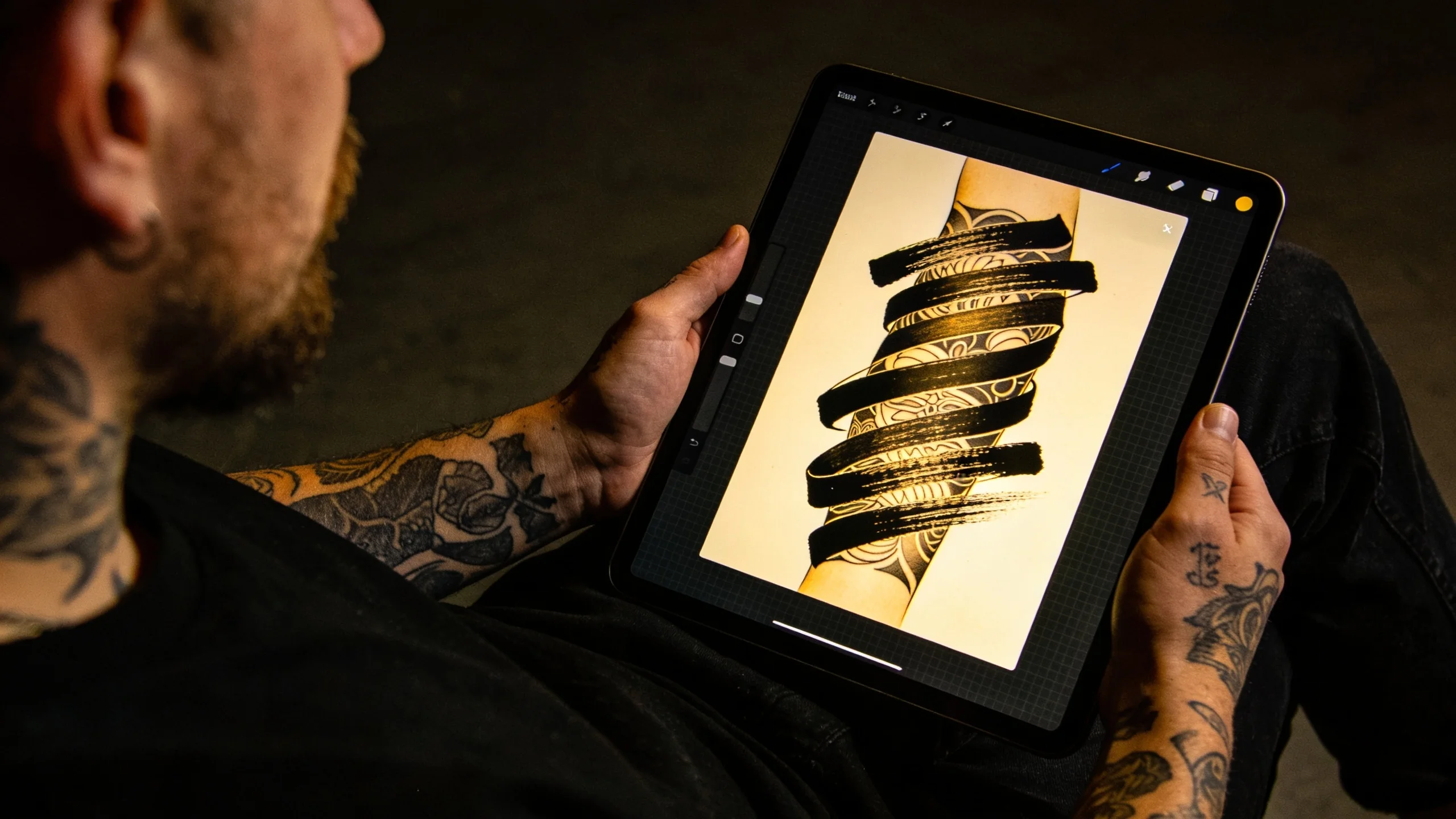

Who this is a good fit for:
-
Solo artists who want a professional online presence without monthly subscription costs
-
Artists who are already on Tattoo Studio Pro and want a portfolio that connects to their booking setup
-
Artists earlier in their career who want something polished without the overhead of WordPress
-
Anyone who’s been putting off “building a website” because it felt like too much work or too expensive
Where the limits are:
-
It’s a single-page portfolio, not a full multi-page website
-
If you want advanced SEO control, a blog, or a custom booking flow, you’d eventually want to grow into a full website template or a WordPress build
-
Multi-artist studios need the Studio Template or a more robust website setup
If you want a deeper dive into what makes a tattoo portfolio effective before choosing your platform, the complete tattoo artist portfolio guide covers what to include, how to structure it, and how to make it work for client acquisition. For a complete overview of Tattoo Studio Pro’s website and portfolio tools, the websites and portfolios guide covers all the options.
Option 5: Tattoo Studio Pro Website Templates (Paid, One-Time)
If you’re ready for something more than a portfolio page: a real website with multiple sections, SEO-optimized structure, and full brand control: Tattoo Studio Pro also offers paid website templates as a one-time purchase.
There’s an Artist Template for solo artists (portfolio, about, booking info, contact) and a Studio Template for multi-artist shops with team pages and multiple portfolio galleries.
Both include a visual customizer with no coding required, and a “Done For You” option if you want Tattoo Studio Pro to build and launch the site for you.
These sit in different territory than the free Portfolio Template. If you’re running a serious operation, booking 30+ clients a month, and want a real website presence with SEO depth, the website templates are worth looking at. The one-time purchase model is also better value long-term than paying $23-36/month forever to Squarespace or Wix.
You can learn more about how to choose the right website setup for your studio.

What Actually Makes a Tattoo Portfolio Work
Regardless of platform, the artists with the strongest online portfolios share a few things in common that have nothing to do with which website builder they chose:
Specialized clearly. The best portfolios commit to a niche within the first 10 seconds. “Fine line botanical tattoo artist based in Portland” lands better than “custom tattoo work.” Clients self-select faster when they know what they’re looking at.
Photo quality is non-negotiable. Every great portfolio uses high-resolution, consistent, well-lit photography. Blurry or dim photos undermine even excellent work. This matters more than your website design.
Mobile-first is the standard. Nearly all tattoo research happens on phones. Whatever platform you choose, verify your portfolio looks good on a 375px screen before you share it with anyone.
Booking friction kills conversions. The journey from “I love this work” to “I’ve booked a consultation” should have as few steps as possible. Artists with embedded contact forms or direct booking links convert significantly better than those relying only on DM requests.
Organized by style, not chronology. Clients looking for traditional American work shouldn’t have to scroll through your realism and fine line pieces to find what they want. Category-organized galleries outperform unsorted feeds: both for clients and for Google.
For more on building a portfolio that actually brings in clients rather than just displaying your work, the portfolio and marketing chapter has practical guidance worth reading.
Making the Decision
Here’s a straightforward breakdown by situation:
You’re just starting out and need something online now:
Before sweating the website itself, make sure your apprentice portfolio is shop-ready. The work always comes first. Once the actual pieces are there, the free Portfolio Template is the obvious choice. It takes a couple hours to set up, looks professional, costs nothing, and gives you a real URL to share with potential clients instead of just your Instagram handle.
You’re an established solo artist who wants a full website:
Look at the Tattoo Studio Pro Artist Template (one-time purchase) or a WordPress build if you’re comfortable with the technical side. Either gives you more SEO control and room to grow than a monthly Squarespace subscription.
You’re running a multi-artist studio:
The Tattoo Studio Pro Studio Template or a custom WordPress build with filterable artist portfolios (like Studio Thirteen’s setup) is what you actually need. The Portfolio Template is designed for individual artists.
You’re heavily Instagram-focused:
Don’t abandon the platform: it’s working for a reason. But add a portfolio page as a home base clients can find via Google, and make sure that portfolio has a real contact form or booking link. Instagram and a website aren’t either/or.
Getting Started
The easiest next step, if you don’t have a portfolio website yet, is the free Portfolio Template. No monthly cost, no coding, and you can have something live in an afternoon.
Start building your free tattoo portfolio website at tattoostudiopro.com/portfolio/.
If you’re also thinking about the bigger picture of how clients book with you, manage consultations, and handle deposits and consent forms, the tattoo booking app is worth looking at alongside your portfolio setup. Having your work visible online and having a clean booking process behind it are the two things that move the needle most for independent artists.
FAQs
What’s the cheapest way to get a tattoo portfolio website online?
The free Tattoo Studio Pro Portfolio Template, published to a portfolio.ink subdomain. Total cost $0, no monthly fee, and you can have it live in an afternoon. The only paid alternatives in the same price range are WordPress on cheap shared hosting (around $5 to $10 a month plus your time to set it up), or a free Wix plan that puts ads on your site, which looks unprofessional for booking work.
Squarespace vs WordPress for tattoo artists, which is better?
Squarespace if you want clean templates with zero setup time and you’re fine paying around $23 a month forever. WordPress if you want maximum control, better SEO depth, and you’re comfortable picking a theme and a gallery plugin. Squarespace wins on speed-to-launch, WordPress wins on long-term flexibility and cost. Neither is built specifically for tattoo workflows, which is where they both leave gaps.
How long does it take to build a tattoo portfolio website?
Two to four hours for a polished single-page portfolio using a tattoo-specific template, assuming your photos are already organized. Squarespace and Wix take a weekend if you customize beyond the defaults. WordPress takes longer the first time, usually a week of evening tinkering, because you’re choosing a theme, gallery plugin, and figuring out hosting. The build is rarely the bottleneck. Photo selection and writing the bio take longer than most artists expect.
Do I need a custom domain for my tattoo portfolio?
Eventually yes, but not on day one. A clean subdomain like yourname.portfolio.ink reads fine to clients, especially early in your career. The reason to move to a custom domain (yourname.com) is brand control and the long-term cost of having other artists or studios snag the name first. Custom domains run $10 to $15 a year, and most portfolio hosts add another $5 to $10 a month to connect one.
Can I switch portfolio platforms later without losing my SEO?
Yes, if you set up 301 redirects from the old URLs to the new ones. The pain point isn’t the move itself, it’s making sure you map every old gallery URL to its new home before flipping the DNS. Squarespace and WordPress let you export your content. Format.com and most builders also have export tools. Plan a Saturday for the migration, test redirects with a few specific URLs, and you’ll keep the search equity you’ve built.
Why not just use Behance or Format.com instead of a dedicated site?
Behance is built for designers and illustrators, not tattoo artists. The audience browsing there isn’t looking for tattoo work. Format.com works well as a gallery display but has no tattoo-specific features (no consent forms, no booking flow built around consultations and deposits), and clients searching Google for a local tattoo artist aren’t going to land on your Format page. Both are generic creative platforms wearing a portfolio coat.
What should I budget for a tattoo portfolio website?
Three tiers worth knowing. Tier 1, $0: free Portfolio Template on a subdomain. Tier 2, around $10 a month: free template with a managed hosting plan for a custom domain and SSL. Tier 3, $100 to $300 one-time or $20 to $40 a month: a full website template with multiple pages and SEO depth, either as a one-time purchase or via Squarespace/Wix monthly. The one-time purchase model pays for itself inside a year compared to monthly subscriptions.